%201.svg)
Preserve Customer context with Tasks in Knoccs

You know that feeling when a customer brings up something important — a feature request during a call, an urgent bug in a support thread, a billing concern buried in a long email chain — and you think, “I’ll handle that later”?
Later comes. And it’s gone. The context is scattered across three tools, nobody remembers the specifics, and the customer has to repeat themselves when they follow up. It’s not a great look, and for customer success teams trying to build trust, it’s a silent killer.
This is the exact problem that Tasks in Knoccs is designed to solve. Not by adding another to-do list to your workflow, but by turning real customer conversations into actionable, context-rich tasks that your whole team can see and act on.
The Context Problem in Customer-Facing Teams
Most B2B SaaS teams don’t have a context problem because they’re careless. They have one because their tools don’t talk to each other.
A customer emails about a problem. Your support agent logs a ticket in one system. The account manager makes a note in a spreadsheet. Someone creates a task in a project management tool. By the time the issue reaches the person who can actually resolve it, half the context has been lost in translation. Nobody knows what was said, when it was said, or how the customer was feeling when they said it.
For growing teams, this fragmentation only gets worse. The more people involved, the more handoffs happen, and the more context leaks out of the system. Your customer support tool tracks tickets, your CRM tracks accounts, your project tool tracks tasks — but nothing connects them. The customer’s story gets told in pieces, and nobody has the full picture.
How Tasks in Knoccs Keep Context Alive
Tasks in Knoccs aren’t just action items floating in a vacuum. Every task is directly linked to the customer conversation, email thread, or meeting note it came from. That means when anyone on your team opens a task, they don’t just see “Follow up with Acme Corp” — they see why the follow-up is needed, what the customer actually said, and the full history that led to that moment.
Here’s what that looks like in practice:
Create tasks from anywhere. Whether you’re in a conversation thread, reviewing meeting notes, or looking at a customer’s profile, you can spin up a task in seconds. Knoccs automatically links it to the source, so the context travels with the task.
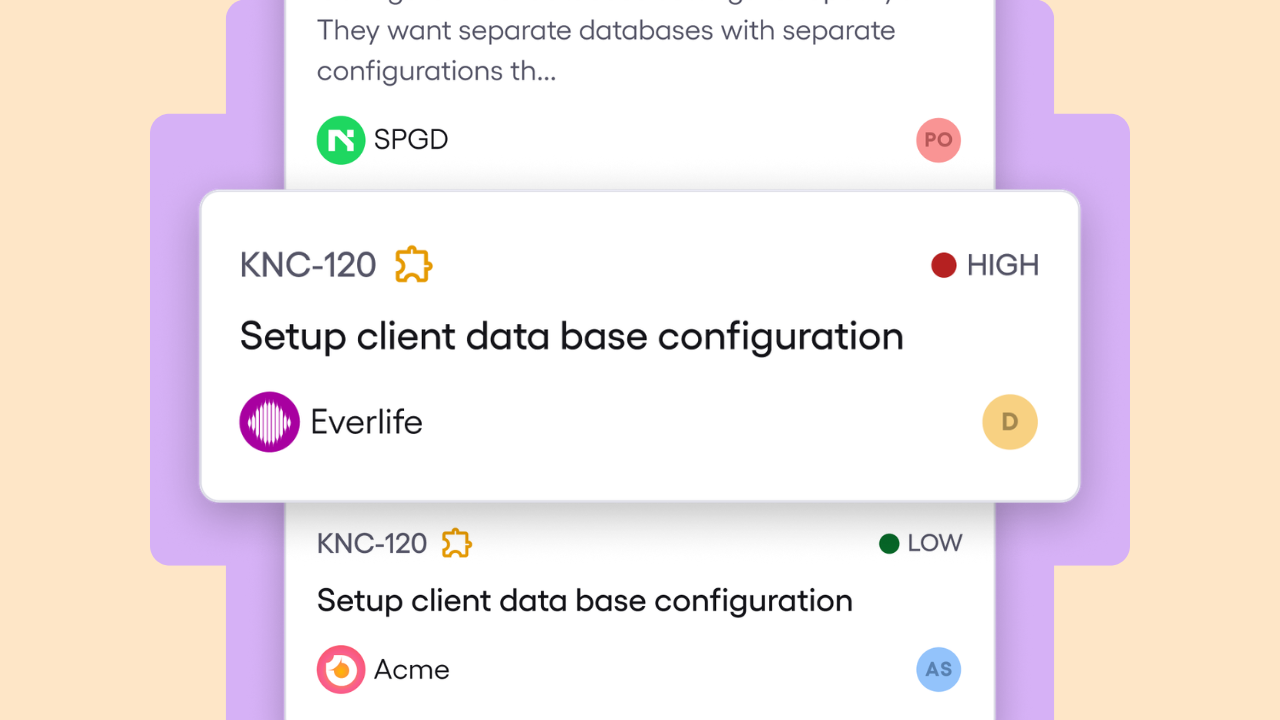
Assign and prioritise with clarity. Every task can be assigned to the right team member, given a priority level, and tracked through a clean Kanban board view. Your team sees what’s open, what’s in progress, and what’s done — all without leaving the platform.
Keep stakeholders in the loop. Because tasks live inside the same workspace as your conversations, notes, and customer data, everyone from support agents to account managers can see what’s happening. No more “can you give me the backstory on this?” messages.
Never lose the thread. When a task is linked to a conversation, anyone who picks it up can trace it back to the original customer interaction. That’s incredibly powerful for customer support teams handling handoffs, escalations, or long-running issues.
Why This Changes How Your Team Works
When context is preserved, everything gets better. Responses are faster because nobody has to dig for background information. Handoffs are smoother because the next person already has the full story. Customers feel heard because they don’t have to repeat themselves.
And here’s the less obvious benefit: tasks with linked context become a goldmine of insights for your customer success strategy. Over time, you can spot patterns — which customers are generating the most feature requests, which types of issues keep recurring, where your team spends the most time. That’s not just task management; it’s customer intelligence.
For scaling teams especially, this is a game-changer. You can onboard new team members faster (because the context is right there in the task), keep cross-functional collaboration tight, and make sure nothing falls through the cracks as your customer base grows.
Stop Losing Context. Start Using Tasks.
Tasks in Knoccs are built right into the workflow your team already uses. No extra apps, no copy-pasting between tools, no lost context. Just clear, connected action items that help your team deliver a better experience for every customer.
Try Knoccs for free or book a demo to see how Tasks can keep your team aligned and your customers happy.